9 Things for IT’s to-do-list in 2018
The New Year is a time for fresh starts and there’s no better time to plan for a smooth and successful year ahead. Proper planning can generate cost savings for a business but it can also maximise security and efficiencies in day to day operations. To make this your best year yet, our team of experts have put together 9 things you need to prioritise in 2018.
1. Track When IT Devices Reach End of Service Life
Note the End of Service Life (EoSL) date for your IT devices, so that you can update devices to the latest firmware and software versions. Back up all information to separate media. This will enable a smooth transition from a post EoSL support to a vendor independent support provider.
2. Care for Existing IT Assets and Know That New Is Not Always Best
Don’t always buy new, stay true to what you have. Often, once a device goes out of warranty or its End of Service Life (EoSL) there is pressure from the vendor to purchase the latest model. This can be a very costly and disruptive exercise for your business. The cost of changeover to a new model can actually be 2X, 3X, 4X or even more than the cost of that new model once you factor in all the related activities i.e. pre-production testing of the new model, firewall changes, configuration changes on other impacted devices across your network, actual cutover to the new device often necessitating an outage…etc. An Out-of-Warranty or EoSL device running the latest, stable versions of firmware and software can continue to run successfully, at optimum cost for many years if supported by a reputable vendor independent support provider.
3. Invest in Staff Training
Book in staff training to educate your team on the latest security threats. Often, the weakest element in the security chain is a business’s employees and users. The systems we implement and the employees using them are typically the most vulnerable and overlooked. All staff should be aware of the best practices to keep company data safe.
4. Note the Difference Between Encryption and Sanitisation
Encryption isn’t the same as sanitisation. Encrypting stored data provides a good level of protection against those who are trying to access the data, but it does not actually remove the data from that drive. New technology and processes are always emerging that can break encryption. If you no longer need the data, you need to remove it from the drive completely.
EraseIT
5. Do the Due Diligence When Disposing IT Assets
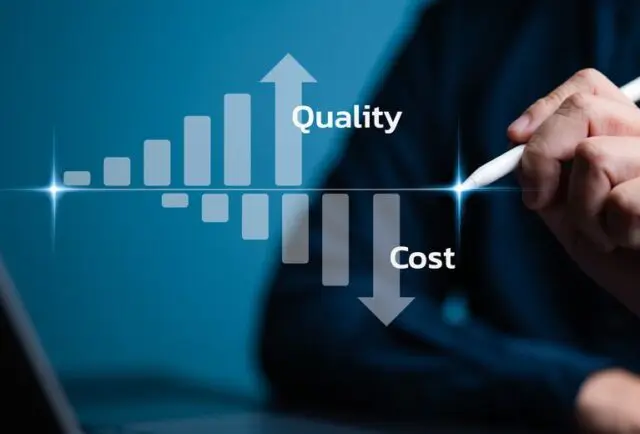
Data erasure is not instantaneous – it involves erasure, verification and documentation. There is a misconception that data erasure is more cost effective when it is done in-house. However, your IT technicians may have other duties to perform. The more time they spend with data erasure, the less time they have for other tasks. Another point to consider is the costs associated with the space, systems and software required for proper data erasure. Certified vendors optimise cost, quality and ease for you, and allow your staff to get back to more strategic work.
EraseIT
6. Review and Refine Your Business Continuity Plan
Businesses often have a plan in place for growth but things don’t always go according to plan. If your business was affected by a natural disaster or a breakdown in communications, would you have the support and contingency plans in place to minimise business disruptions? Review your business continuity plan to anticipate and prepare for the unexpected.
7. Prepare for the Unexpected
A disruption in your business can mean lost revenue and a big dent to the bottom line. If a power outage or a flood took place at your place of business, could you and your staff continue the day to day operations? Prepare for the unexpected. Speak to a Disaster Recovery provider to see how they can keep your business running in an unexpected event.
8. Assess Whether Your Business is Ready for a Move to the Cloud
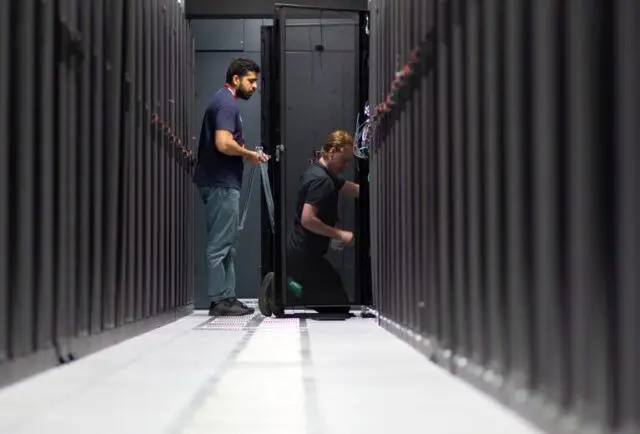
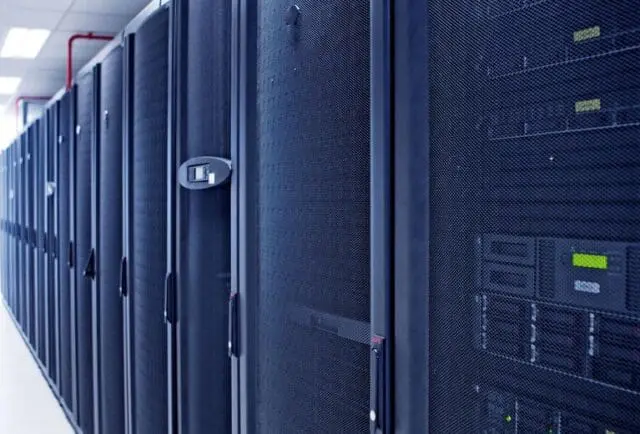
Ready to scale your business and move your data to the cloud? On-site security, cyber threats and server availability are a few factors to consider when choosing to store your data on or off premise. Despite misconceptions, cloud managed services are suited for businesses of most sizes. If your business is growing, ‘Data Centres in a rack’ are available as a service. These units do not require a dedicated room and can sit in the corner of the office providing a secure server environment, communications to the cloud, active monitoring, low noise levels and can be deployed very quickly.
9. Check If You Have the Right Level of Data Protection
Concerns around data security and privacy will continue to be a challenge for SMEs and corporations. Now is a great time to evaluate if the data protection levels you’ve put in place meet all business and compliance requirements. Your provider should access each system against security and risk levels to ensure your data is protected to its best ability.